
Webster Parish Court Calendars Explained
The Webster Parish Clerk publishes the main local calendar for district-court work. Its 2026 layout lists dates down one side. Separate columns cover Courtrooms A, B, and C, plus one more for Protective Orders and Nonsupport. An entry might name a judge, flag a jury term, or mark a no-court date. The 26th Judicial District Court posts its own calendar collection too. For an important setting, check both. Do not trust a copied notice or an old docket PDF.
Calendars organize court work, not personal appointments. A courtroom column shows the day's docket. It does not prove each case will actually be reached at a set time. A later order or a direct confirmation can say more. If the calendar and the file disagree, call the Webster Parish Clerk.
The Webster Parish Clerk court calendar is the official source. It carries the A, B, C, protective-order, and nonsupport layout.
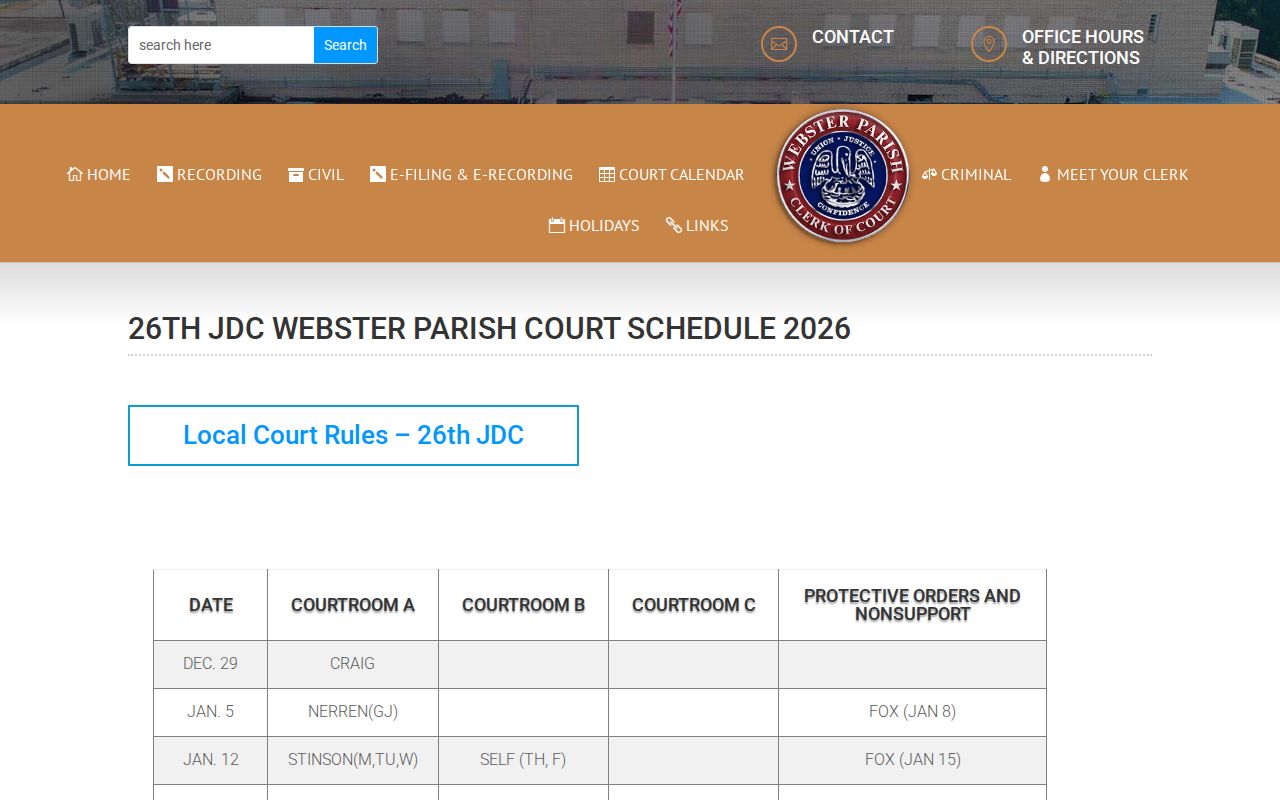
The column structure helps you find the right calendar lane first. Then ask the Clerk to confirm the individual setting.
Webster Parish Court Calendar Columns
Webster Parish uses three named courtroom columns on the Clerk calendar. The 26th JDC, meanwhile, runs six judicial divisions, A through F. Those two letter sets answer different questions. Keep the exact courtroom label and the listed judge. Never assume a courtroom letter and a division letter mean the same thing. The published calendar is the reliable place to see the assignment for that day.
The court's judge pages can help you identify a division. They also list staff contacts and the public structure of the court. They cannot replace the Clerk for a records request. Nor do they confirm a final setting. A judge's name on a calendar is a routing clue, nothing more. It does not fix the case at a certain hour. It does not rule out a continuance.
The 26th JDC calendar page carries the court's own calendar images and PDF links.
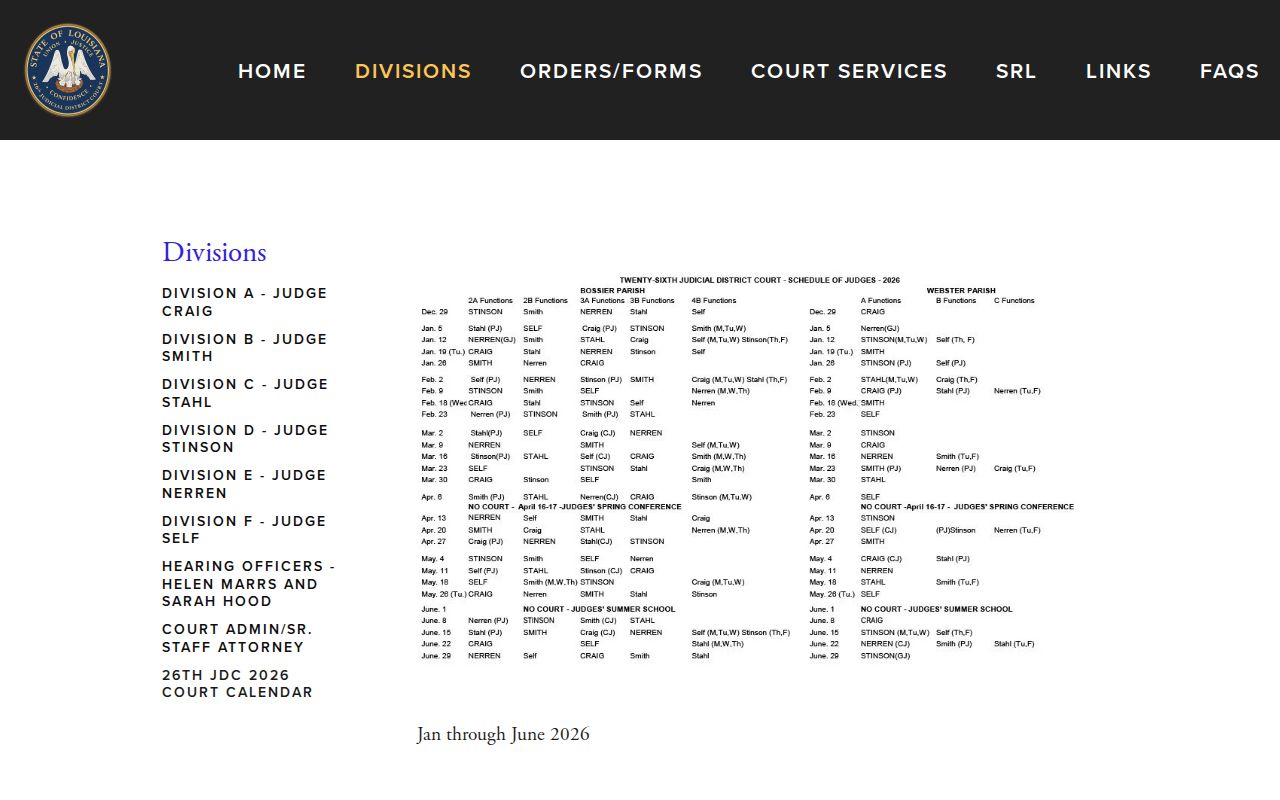
Read the court posting next to the Clerk calendar. Confirm the date, courtroom, and judge all point to one session.
Finding Your Court Date
Begin with the best identifier you have. That may be a case number, a ticket, a formal notice, or an exact party name. ClerkNet may link a 26th JDC case to its index entry. But a working search requires registration, and the public landing page does not promise a full calendar view. For district criminal and traffic matters, the District Attorney archive works well as a companion. It posts date and category PDF dockets. A city court, justice of the peace, mayor's court, or federal matter sits with a different office entirely.
- Check the official Clerk calendar for the date, the Courtroom A, B, C, or protective-order/nonsupport column, and any no-court notation.
- Check the official 26th JDC calendar page for its current calendar image or PDF.
- For a district criminal or traffic matter, open the District Attorney’s Webster docket archive and compare the relevant date, judge, courtroom, and category.
- Use ClerkNet with a registered account when a 26th JDC case number, instrument number, or name may identify the local case index.
- Call the Webster Parish Clerk or ask at the counter when the online sources are incomplete, a setting is close, or a calendar entry conflicts with the case notice.
- Ask counsel for the most recent notice or order. The party’s attorney can confirm the setting path for a represented case.
- Do not treat LCRAA/eClerksLA as a separate live Webster Parish calendar. Its coverage is parish and record-category dependent, so it is a records layer rather than a documented date feed.
Public calendar postings and docket PDFs change without warning. Before an appearance or a long trip, make one last check with the Clerk.
Webster Parish Calendar and Docket PDFs
The District Attorney's Webster docket archive is not a searchable case database. It is a date-and-category archive of regular, traffic, 30-day petit-jury, and final petit-jury PDF dockets. That makes it handy for one task. It tells you whether a district criminal or traffic session is published for a certain date. There is no public query box for a name, case number, charge, or date range.
Each PDF can show the docket date and judge. It can also list courtroom, case number, status, law-enforcement abbreviation, charge, attorney role, and event notes. Those labels describe only the scheduled procedural posture. They do not establish the outcome of a pending case. A PDF never substitutes for the Clerk's official record. A later calendar entry or court instruction controls.
The 26th Judicial District Attorney docket page leads to the public docket archive.
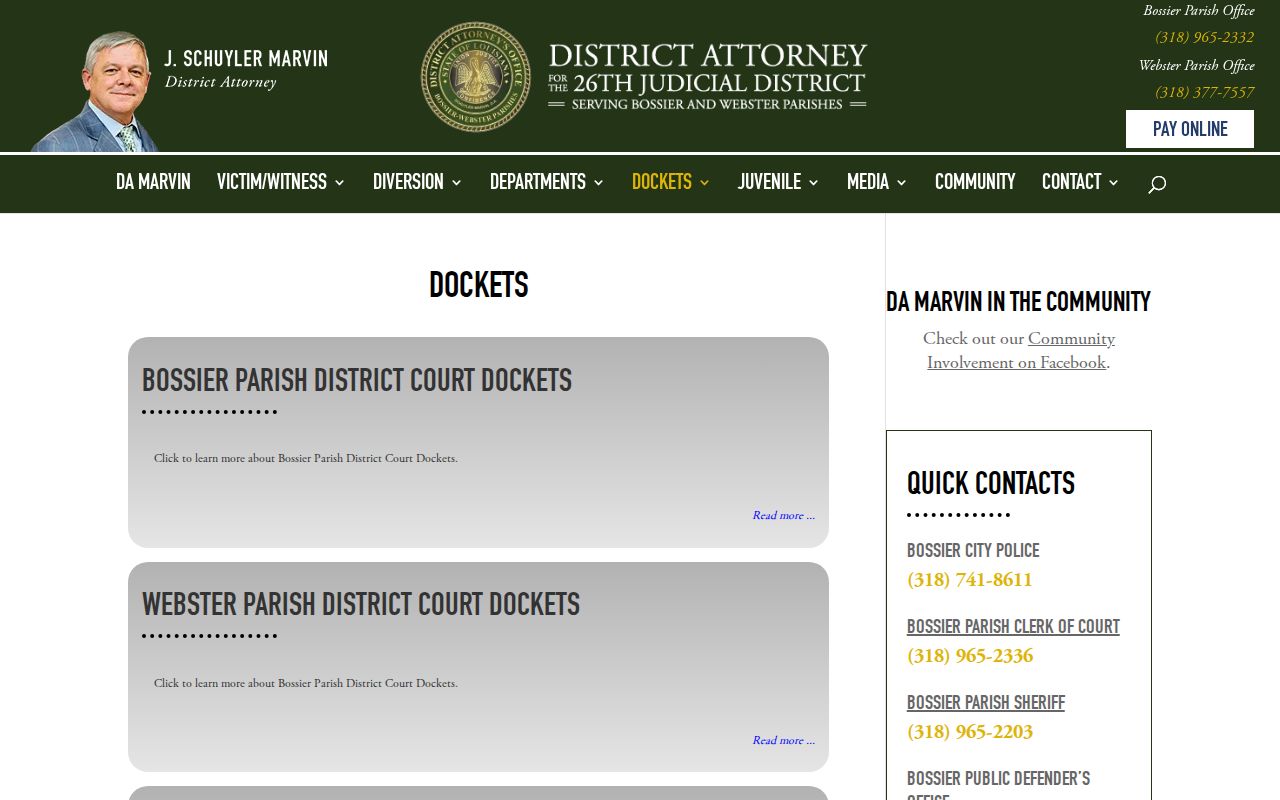
Treat the archive as a dated hearing trail for district criminal and traffic sessions. Then check it against the live calendar and the Clerk.
How to Read a Court Setting
A court setting is the scheduled event on the current calendar, docket, notice, or order. Read the whole entry together. A bare date cannot tell you the matter's type. It might be a motion, trial, arraignment, status hearing, jury term, or protective-order case. The Clerk calendar groups work by courtroom column. A District Attorney PDF may add a case-specific status. If no time is printed, do not borrow one from another courtroom or another date.
| Date | The calendar day printed by the Clerk, court, or dated docket PDF. Confirm it when a later notice or order exists. |
|---|---|
| Time | A specific time only when the notice, order, or official source gives one. The public calendar does not promise an individual time for every entry. |
| Courtroom | The Courtroom A, B, or C calendar column, or another location stated in the controlling notice. Verify the physical room with the Clerk if it is not shown. |
| Judge | The listed judicial assignment or division contact. It helps route a question but does not replace the Clerk’s case record. |
| Setting Type | The event label, such as motion, trial, jury, arraignment, traffic, status hearing, or protective-order work. Read it as a procedural setting, not a case result. |
The Division E judge page offers an official example of the division details that help a reader interpret a judge assignment.
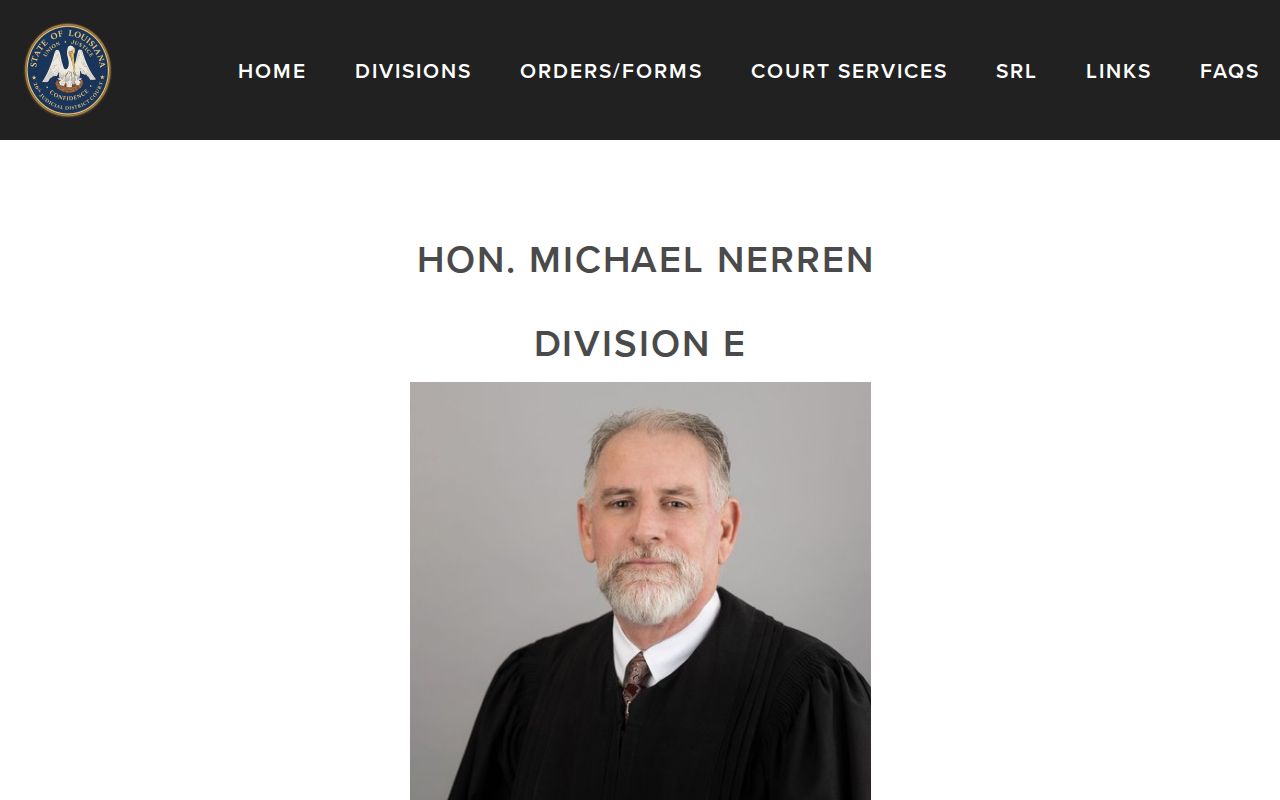
Judge pages help you learn the court's structure. The actual date and setting still need the live calendar, a notice, or Clerk confirmation.
Webster Parish Court Date Abbreviations
Calendar shorthand saves room. It also invites mistakes. Codes like GJ, PJ, CJ, and JURY may appear on the Webster Parish calendar. The public calendar prints no full legend explaining every code. When one puzzles you, copy it exactly. Note the date and column. Then ask the Clerk what it means for that case. Guessing at an abbreviation can point you toward the wrong court session.
- Setting
- A scheduled court event, not a final outcome.
- Continuance or reset
- A move from one setting date to another. The newest confirmed setting controls.
- Jury designation
- A calendar label connected to a jury term or jury-related court work; the calendar alone does not state the result of a case.
- Protective orders and nonsupport
- A separate Clerk calendar column, which signals a distinct calendar path and may involve access limits.
Always use the local Webster Parish shorthand. Borrowing a definition from some other Louisiana parish is a common and costly error. For any abbreviation the calendar leaves unexplained, the Clerk, not a generic code list, gives the answer.
Continuances, Resets, and Cancellations
Dates move. A continuance or reset simply shifts a setting to another day, and a Webster Parish court date can drop off a current calendar for reasons as mundane as a holiday, a judicial conference, a summer-school period, courtroom capacity, or a later order. The courts publish no single automatic refresh rule that covers every calendar channel. So treat a saved PDF, an older notice, or anything you copied down earlier as a lead worth confirming, not as proof of where the case stands now.
Civil settings add one more layer. The local rules and the Clerk's civil schedule govern them, jury settings run through a Clerk request and timing process, and motions or exceptions generally require notice unless a judge waives it. A spot on the calendar never guarantees a case will be reached in a set order. Hold on to the most recent notice, and ask the Clerk or your lawyer which later entry controls.
Webster Parish Civil Setting Rules
The Clerk's civil information lays out recurring motion and trial patterns. But the live calendar governs any particular judge or courtroom. Preliminary defaults are listed for Tuesday, Wednesday, and Friday, with confirmations on Tuesday. The published schedule also marks Courtroom A motion, trial, and motion-hour patterns; Courtrooms B and C carry their own assignments. Never turn that general schedule into a personal hearing time without a current setting notice. The 26th JDC local rules put civil jury settings into a formal process. A case is not fixed until the answer is filed. Counsel must request the setting through the Clerk at the stated time. The Clerk then sets cases in case-number order within available capacity. A court date, in other words, reflects real scheduling work and not just a day on a calendar. Take questions about a filing or a case-specific deadline to counsel or the proper court office. Do not rely on an assumed pattern. The Division C judge page posts the public court contacts for another 26th JDC division.
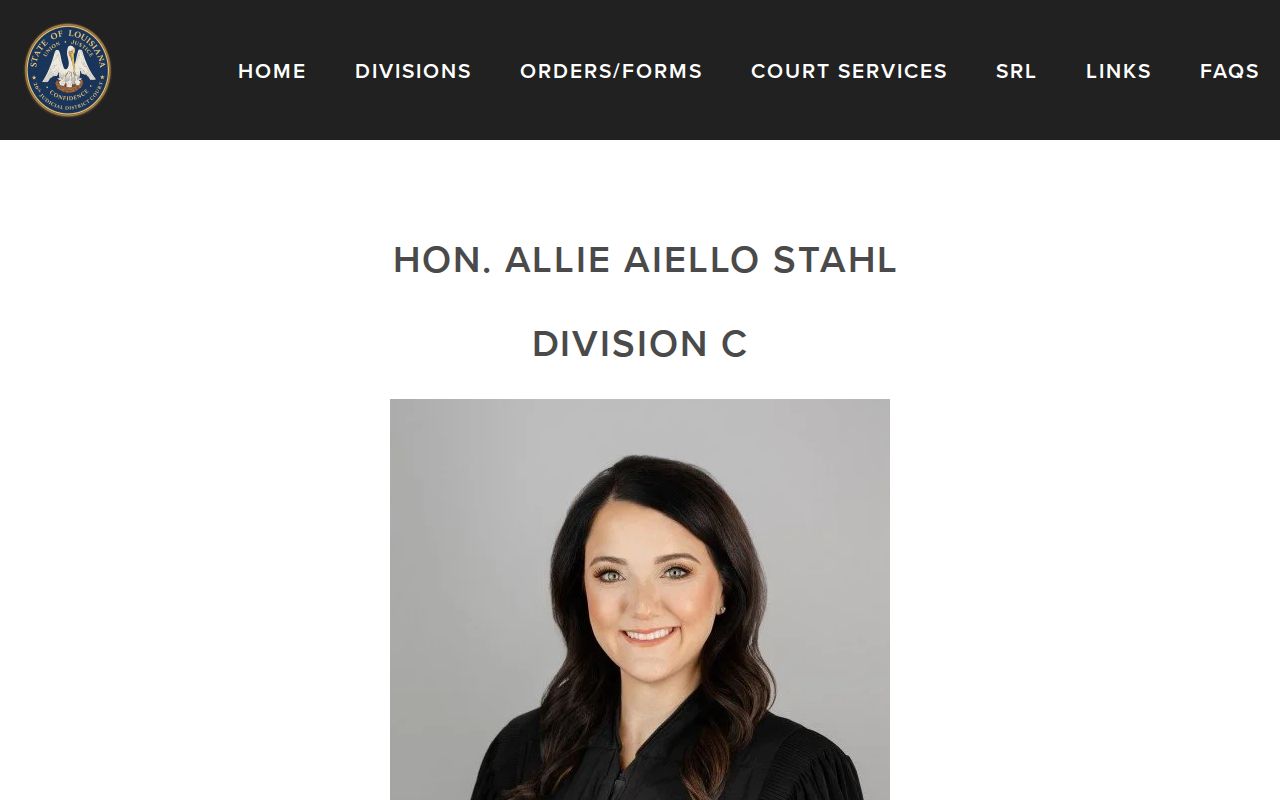
Division pages are useful for mapping the public court structure. Confirm civil settings through the current calendar, the Clerk, and your case notice.
If You Miss a Court Setting
Act fast after missing a Webster Parish setting. Start by identifying the court and the type of matter. Then contact the Webster Parish Clerk or the attorney of record for current status and the next official instruction. Criminal, traffic, civil, family, and city-court matters each carry different rules. The published sources set out no single automatic consequence for every missed appearance, so an old calendar entry alone cannot tell you what happened.
Missed a Setting? A missed court appearance can have serious case consequences, and a required appearance should never be treated as optional.
Contact the Clerk or attorney promptly to learn whether a later order, notice, or court instruction controls the next step.
For a pending matter, obtain advice from a licensed attorney about the specific Webster Parish setting before appearing or filing a request.
Webster Parish Court Date Confirmation
A solid confirmation has four parts: the right court, the current date, the courtroom or location, and the type of event. Tack on the case number or ticket number if you have one. The Webster Parish Clerk handles district-court record location and published calendar questions, but Minden City Court, Springhill City Court, the justice-of-the-peace courts, mayor's courts, and federal court all run their own separate paths. Anything federal belongs in the Western District system, not on the parish calendar.
Keep the judge or division shown on your notice. Take formal scheduling questions to the Clerk or to the court that issued the setting. With a case number in hand, the local Case Lookup path can point you to the district-court index before you confirm the date.
The Division D judge page shows the public division information the 26th JDC offers.
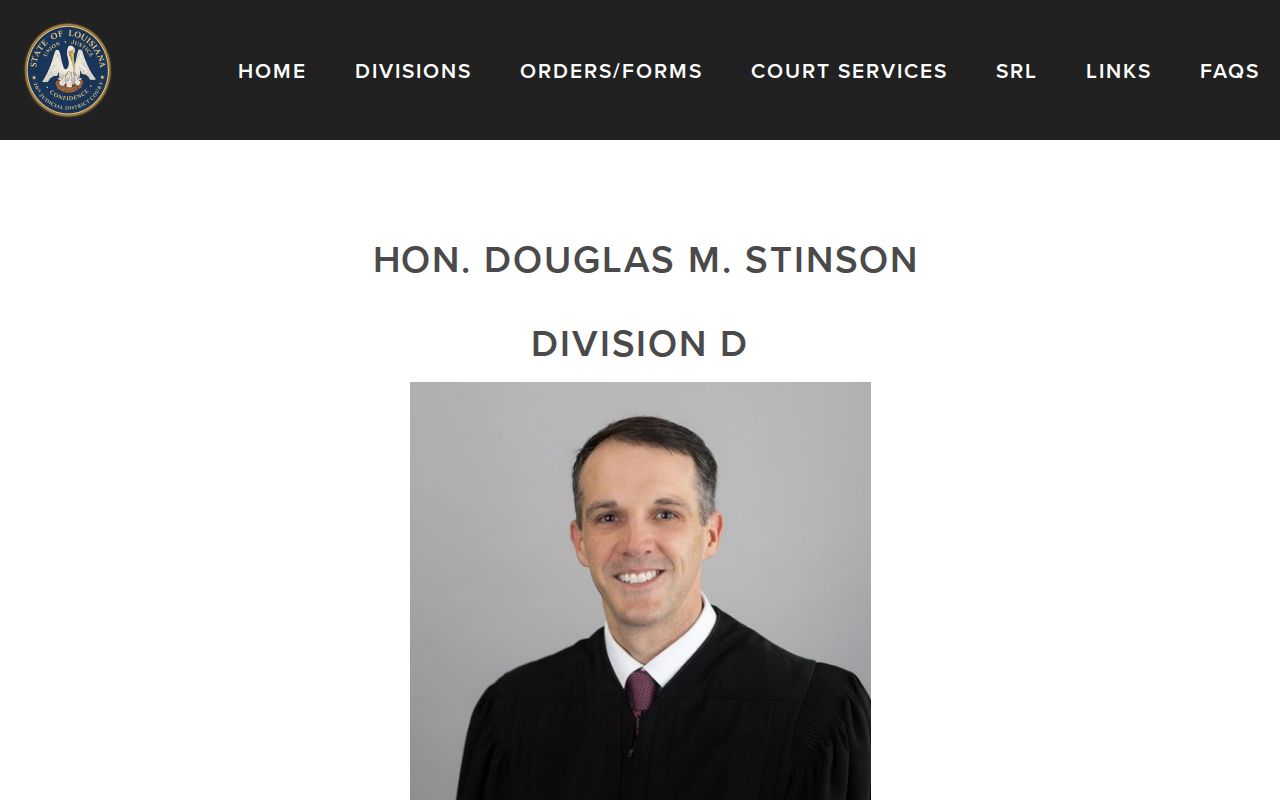
When confirming a Webster Parish court date with the right office, keep the current notice, case identifier, and calendar details together in one place.