
How to Search Cases by Name
The ClerkNet landing page is the Webster Parish Clerk's central online index. Type a name, case number, or instrument number into the large search box, and results filter in real time as you enter text. You will need a registered account for operational use. The public page offers no separate first-name and last-name boxes, no date range, and no judge, case-type, or advanced filters. Stick to the fields the public page actually documents. A careful name search stays within those limits.
- Open the official ClerkNet landing page through the Webster Parish Clerk route, not a third-party people-search result.
- Register or log in when ClerkNet requires an account before the operational search can be used.
- Enter the party name in the large search box exactly as known. If more than one result appears, compare the displayed parish, court, and case context before opening a record.
- Use the strongest available identifier instead when a name produces an uncertain match. A case number or instrument number is more precise than a common name.
- Record whether the result is an index line, a docket entry, or a document image, then ask the Clerk for the needed copy type if the online result is too thin.
The documented public inputs and behaviors are below.
| Field Label | Type | Required | Notes |
|---|---|---|---|
| Large search box | Text | Unspecified | Accepts a case number, instrument number, or name; the landing page says filtering occurs in real time. |
| Additional parameters | Filter controls | Unspecified | ClerkNet says parameters may be adjusted, but the public landing page does not reveal the complete labels or options. |
| Search and results behavior | Real-time filter | Not applicable | Results are described as filtering while text is entered. |
| Register or login | Account control | Yes for use | ClerkNet terms state that a registered account must be established before using the application. |
| Search or submit button | Not exposed | Unspecified | The static public landing source does not identify a button label. |
Webster Parish ClerkNet Case Lookup
ClerkNet is a vendor-hosted application the official Webster Parish Clerk links to. Think of it as a helpful electronic index and access route. It is not a promise that every official record is complete or online. The terms warn that indices may contain errors. Access can go down, and images are protected for viewing. An electronic result may conflict with a certified copy or the Clerk's official response. The official record wins.
The Clerk's electronic-recording and e-filing information points attorneys to ClerkNet. Attorneys of record can file new petitions through it. They can also work existing cases, subject to the current vendor process. That route still does not make every case document public. Access rules govern images, civil details, and account features. The Webster Parish Clerk electronic-recording page names the official ClerkNet route for electronic filing and recording.
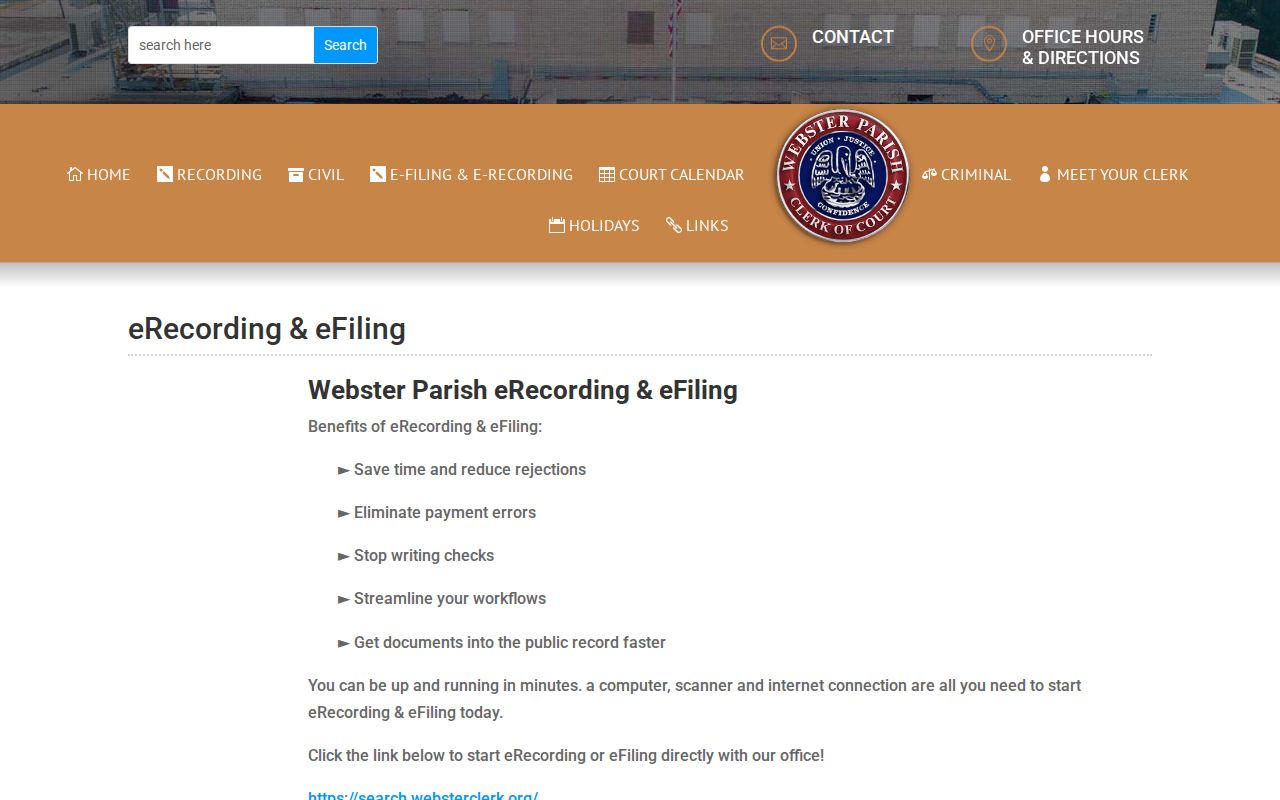
The Clerk's link matters here. It connects ClerkNet to the office that maintains official records, while the Clerk keeps authority over certified copies and the official file itself.
How to Search by Case Number
Use a complete local case number whenever you have one. ClerkNet's public description accepts a case number directly. No single documented number pattern spans all Webster Parish dockets. Traffic PDFs may use a T-prefixed identifier. Criminal examples use numeric docket identifiers, sometimes with count suffixes. Never strip a leading character, punctuation, or suffix from a notice just because another docket looks different.
To preserve the traffic-style prefix, write it as T-…. The ellipsis stands for whatever identifier appears on the ticket or official docket. It is not a fixed digit count. For a district case, copy the number exactly as printed on the notice, docket PDF, order, or Clerk record. If nothing comes back, compare the court named on the paper. Only then fall back to a broad name search.
Webster Parish Case Numbers and Instruments
A case number identifies a court case. An instrument number identifies a recorded or indexed instrument. ClerkNet accepts both in its public search statement, but they answer different questions. A recorded land instrument, a civil case, and a criminal case can each require a different Clerk department and a different request product. Before searching, copy the identifier exactly and note whether the paper calls it a case, docket, ticket, instrument, filing, or recording.
The distinction matters when a search comes up empty. The matter may sit in Minden City Court, Springhill City Court, a justice-of-the-peace court, a mayor's court, or federal court rather than the 26th JDC. A ticket can follow its own local path too. Choose the right court first. The Webster Parish Clerk maintains district-court records, not every record created in the parish.
What a Case Search Shows
A public search result can help. It is not a full case file, though. The ClerkNet landing page documents query choices, not a complete unauthenticated result screen. The fuller public example is the District Attorney's dated criminal and traffic docket PDF. It can show the docket date, judge, and courtroom. Defendant, docket number, status, police abbreviation, charge, attorney roles, and event notes may appear too. Do not assume every ClerkNet result exposes those same fields.
| Case or instrument query | The value entered into ClerkNet’s documented large search box. Preserve the identifier as printed by the court or Clerk. |
|---|---|
| Name query | A name is an accepted ClerkNet input, but the public landing page does not document separate name fields or matching rules. |
| Index result | The local electronic index result available through the registered-account path, subject to current system availability and terms. |
| Docket entries | Case events when the account view exposes them. A dated DA PDF can separately show a criminal or traffic session snapshot. |
| Filed documents and images | May be protected, restricted, unavailable online, or available only through a Clerk request. A certified copy is a separate Clerk product. |
A docket date, status, or charge describes a court record event. It does not resolve the merits of a pending case or establish a final result by itself.
Webster Parish Case Index Limits
Some Webster Parish records read well online. ClerkNet indexes, Clerk calendars, District Attorney docket PDFs, and qualifying criminal minute-entry summaries are the strong spots. Complete civil pleadings are harder. So are older files, certified documents, traffic history, and restricted material. The official sources set no fixed refresh schedule, result cap, export tool, wildcard rule, or full advanced-filter list. Treat what you see as a starting point. It is no stand-in for the courthouse index.
Louisiana does mandate one thing through LCRAA. Criminal minute entries or summaries for cases filed on or after January 1, 2020 must be available electronically, within statutory limits. The rule does not require every pleading, exhibit, photograph, or image to be posted, and traffic cases sit outside the required category. A minutes summary can tell you what happened procedurally, yet the exact pleading or judgment may still need a request to the Clerk.
Webster Parish vs Statewide Case Search
Louisiana runs no single public portal for all state dockets. LCRAA and eClerksLA build the statewide clerk-record infrastructure and offer secure remote access. Coverage varies by parish. The Webster Clerk promotes a free portal for land, probate, civil, and marriage records, though that is not a full statewide or parishwide criminal-docket search. Work the statewide layer as a participating-parish channel first. Then go to ClerkNet or the Webster Parish Clerk for a known district-court matter.
| LCRAA / eClerksLA | Webster Parish ClerkNet |
|---|---|
| Statewide clerk-record infrastructure with coverage that can vary by parish and record category. | Webster Parish Clerk-linked local index and electronic access path for district-court records. |
| Useful for participating parish clerk records, including categories the statewide layer makes available. | Useful when a Webster case number, instrument number, or name is known. |
| Not documented as a single public search of every Louisiana state case or every Webster criminal docket. | Requires a registered account for operational searching and is not the record source for city or federal cases. |
| Copies and deeper access depend on the participating clerk and record type. | Images and availability remain subject to ClerkNet terms and the Clerk’s official record process. |
The Louisiana Clerks of Court Association LCRAA overview describes the statewide remote-access framework.
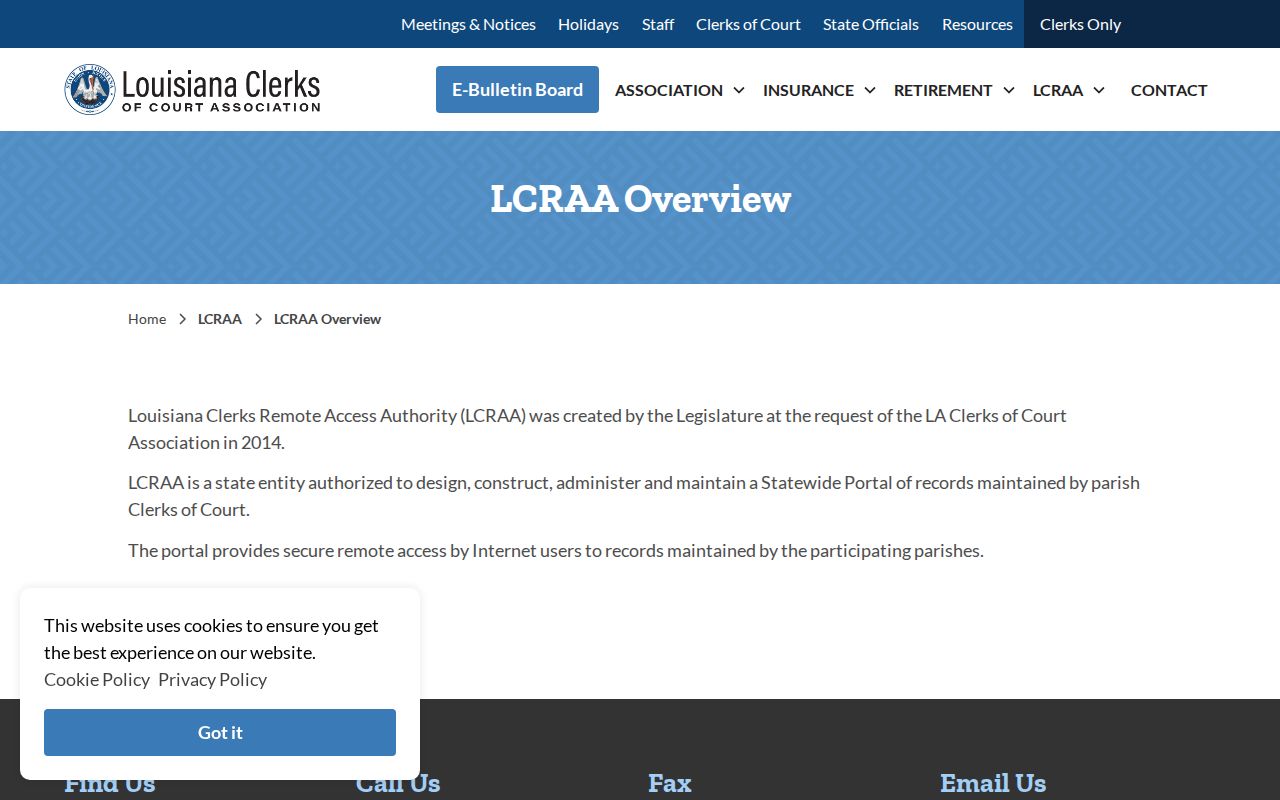
Coverage that shifts parish by parish is the real limit. Weigh that against a direct Webster Parish Clerk search before choosing a path.
Webster Parish Case Search Fallbacks
When ClerkNet falls short, ask the custodian of the record instead of guessing. The Webster Parish Clerk of Court sits at 410 Main Street in Minden. Mail goes to P.O. Box 370, Minden, LA 71055. The office lists 318-371-0366. Normal hours are Monday through Friday, 8:30 a.m. to 4:30 p.m. Email webstercivil@yahoo.com for the civil department and webstercriminal@yahoo.com for criminal. Ask about record location, copy type, certification, or the search process. Do not ask for legal advice.
A precise request speeds things up. Give the parish, the court, and an approximate filing date. Include the case number if known. Add party names and the record type, plus the copy you want: plain, certified, certificate of search, or minutes extract. The civil request channel offers a 15-year certificate of search. The criminal channel covers 10 years of 26th JDC Webster records. Neither builds a statewide record or reaches city and federal files. For the next hearing, compare the live Clerk calendar with the applicable District Attorney PDF. Then confirm the setting.
Restricted Cases and Access Rules
Public access stops at certain doors. Juvenile records stay confidential except for defined authorized access and narrow exceptions. A sealed or restricted case may vanish from a public search. It may show suppressed entries or nothing but a restricted marker. Expunged information is pulled from public view through a formal process. Not every government copy is destroyed. Probate and family attachments can hold protected child, medical, financial, or victim details. The basic index stays public even then.
Missing Webster Parish case? Check spelling first. Then check court level, date range, and whether it belongs to a city or federal court. Next, ask the Clerk whether the record is undigitized, outside the search period, restricted, or held elsewhere. Never put a full Social Security number, tax ID, driver-license number, financial-account detail, or full date of birth into a public request. Leave those out entirely. The Clerk explains access and copying procedure. It cannot give legal advice on expungement or a pending case.
Webster Parish Federal Case Lookup
A federal caption never belongs in a Webster Parish Clerk search. The Western District of Louisiana, Shreveport Division, serves Webster Parish. PACER with CM/ECF are its official case-information systems. Per the Western District, PACER reaches most non-sealed civil cases filed since January 1, 1990. Criminal cases go back to filings since January 1, 1993. Older federal material may take an inquiry with the federal Clerk. Bankruptcy runs through its own Shreveport division path. The Western District CM/ECF and PACER information page lays out the official federal access route.
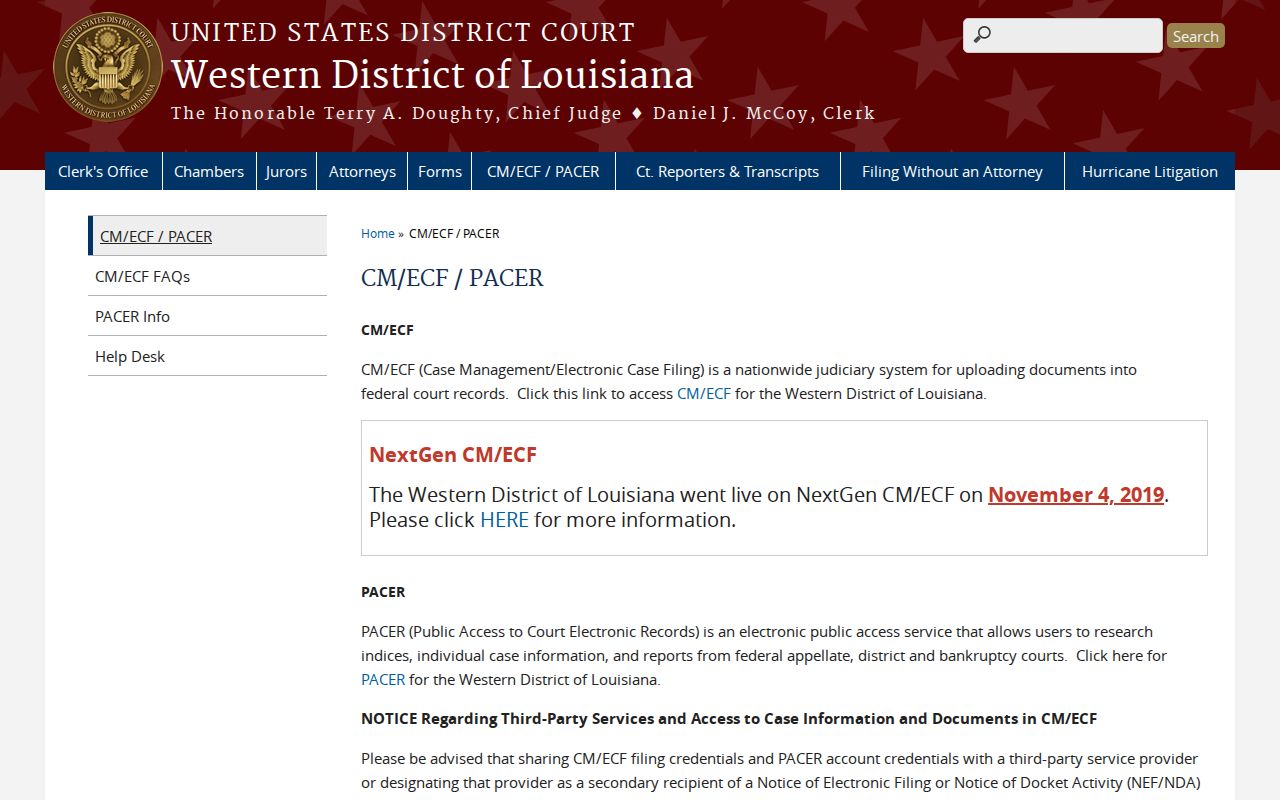
PACER works on accounts and may charge by page. It stands apart from ClerkNet and from any parish Clerk request. CourtListener and its RECAP archive can open federal documents free once they have entered that nonprofit archive.
RECAP is neither the official federal docket nor complete. A missing CourtListener result does not settle whether a federal case exists.